
Completed action
Keep what the player already did intact.
Completed action. One witness. A limited view.
Ground one NPC’s reaction in what they could perceive. Separate observation from belief, then prepare the immediate response.

One witness and a limited view
Prepare a believable response to what the NPC could perceive.
Keep what the player already did intact.
Name what caught this NPC’s attention.
Keep concealed details outside their view.
Review the interpretation and confidence.
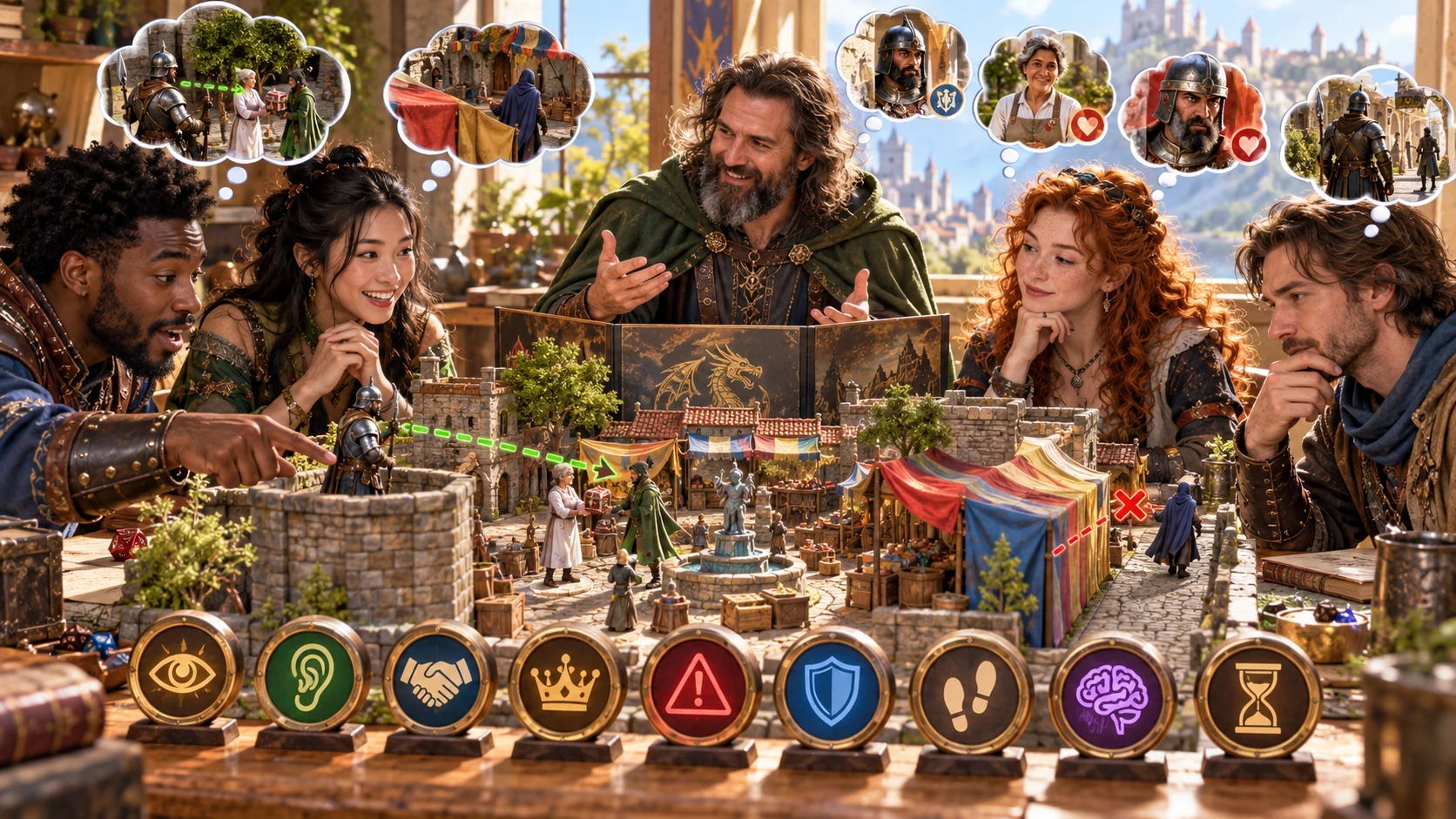
Keep the sightline and attention in view
The illustration represents fantasy NPC preparation, not an application screenshot.
Set the completed action, NPC, relationship, location and tone.
Choose position, attention, senses, assumptions and prior knowledge.
From completed action to immediate response
Prepare one witness without deciding the table’s next move.
Name the completed act, witness and relationship.
Set location, position, attention and senses.
Choose witness, interpretation, severity and tone.
Review reaction, behaviour and optional memory.
The single-witness response workspace
Keep interpretation separate from what the witness could perceive.
Prepare one NPC’s response to a completed action.
Choose a witness family and the relationship that shapes their view.
Separate what they saw from what they believe it means.
Keep attention, position and missed details in view.
Prepare confidence, visible reactions and relationship pressure.
Keep possible callbacks as later planning choices.
Edit, lock, regenerate selected parts, undo and revisit recent results.
Review DM, player-facing, read-aloud or selected material for copy, JSON or print.
Quick reactions and deeper witness context
Keep the response grounded in a plausible sensory view.
Use action, witness, relationship and location.
Set seriousness, intention and interpretation.
Add role, history, temperament and goals.
Consider expectations, authority and time pressure.
Refine a single witness’s response
Keep useful sections while revisiting recent session results.
Edit the parts that need a clearer response.
Lock useful details and revise selected parts.
Undo changes and revisit recent results.
Export a response you want to retain.

Observation, belief and a proportionate response
Review what the witness noticed, missed and interpreted.
Consider confidence, emotion, visible behaviour and relationship pressure.
Review read-aloud, private continuity and optional memory before sharing.
A limited view with open table choices
Leave future callbacks, crowds and rule effects to the table.
Keep the player’s completed action intact.
Give the witness only what they could perceive.
Treat a callback as a planning possibility.
Decide future events, crowds and game-rule effects.
Generator access and pricing
Choose access for this selected generator or an eligible pack.
Review current standalone access and pricing.
Check whether a current pack includes this generator.
Use your account to review premium product access.
Create a free VISINVOKE account; premium access remains separate.
VISINVOKE means value
Prepare a response grounded in this NPC’s limited view.

Connect sensory access with noticed and missed details.
Prepare emotion, a visible tell and immediate behaviour.
Lock useful details, revise selected parts and undo changes.
Leave callbacks, crowds and rule effects to the table.
Explore your VISINVOKE workspace
Each card opens its own product website. Review purpose and access separately; related products do not promise included access or automatic synchronisation.

Open your VISINVOKE desktop products.

Prepare a live exchange after an established social mistake.

Build the wider setting around your campaign.

Develop the places your party travels through.

Explore separate adventure environments.

Explore separate fantasy image creation.
Product artwork is illustrative, not application screens or actual generated image output.
Quick answers
Understand the view, interpretations, session revision and sharing.
Prepare one identified NPC’s immediate response to an action the player has already completed. Keep observation, interpretation and truth separate: what caught their attention, what they noticed and missed, what they believe happened and how confident they are. Add emotion, a visible tell, immediate behaviour, possible relationship pressure, an optional memory anchor, escalation limit, read-aloud and private continuity.
Choose from ten kinds of witness and ten interpretation families, then set the tone. Start with the completed action, NPC identity, relationship and location. Add seriousness and apparent intention, then review the position and attention that ground what this witness could notice.
Add the NPC’s role, temperament, history and current goal. Describe position, attention, senses, assumptions and prior knowledge. Set local expectations, risks, authority, other witnesses and time pressure, then decide how openly they react and how strongly they might remember the event.
Edit the response, lock useful sections, regenerate selected parts and undo changes. Revisit recent results during the current session. Export any response you want to keep after closing the generator; an optional memory is a planning suggestion, not a guaranteed future event.
Copy the complete Dungeon Master version, player-facing view, read-aloud or selected sections. Download the response as JSON or print the current audience-safe version. Select and review audience material before sharing, keeping private continuity in your DM preparation. The witness knows only what they could perceive; future callbacks, crowd reactions and game-rule effects remain for your table to decide.
Create a free VISINVOKE account and review current access and pricing for this selected generator or an eligible pack. Premium access is separate from the free account. Use your account installer page for Desktop Command Centre, then open NPC Saw That Generator from the Generators collection in its desktop workspace.
Continue in VISINVOKE
Create a free VISINVOKE account and review current generator access.
Use your account installer page for Desktop Command Centre.
Open NPC Saw That Generator from the Generators collection.